TotalEnergies / Digital Factory
Revamping a power plant monitoring SaaS to increase kWh tracked per operator by 23%
Problem
Operators couldn't complete a diagnosis without leaving the app. For almost every incident, they had to manually connect to each plant's automation system to retrieve the data they needed. With a renewable energy portfolio that had quadrupled in 3 years, the small team couldn't keep up.
Target audience
9 control center operators supervising hundreds of multi-energy assets (solar, wind, hydro) at TotalEnergies. They work in shifts, monitoring plant performance and handling incidents in real time.
Team
- Sole Product Designer in a Scrum squad
- 1 PO, 1 PM, 3 full-stack developers, 2 data engineers
- Joined after the previous designer left, with no documentation
Key results
- Cut the average incident resolution time from 58 to 49 minutes (target: 45) by bringing the data operators needed for the most frequent incidents, starting with inverter faults on solar plants, into the app
- Increased energy tracked per operator by +23% kWh in 12 months, as the team absorbed more plants without adding people
- Made the dashboard fully responsive from 14" to 40", after which 6 of 9 operators adopted laptops as their default monitor
How I solved this problem
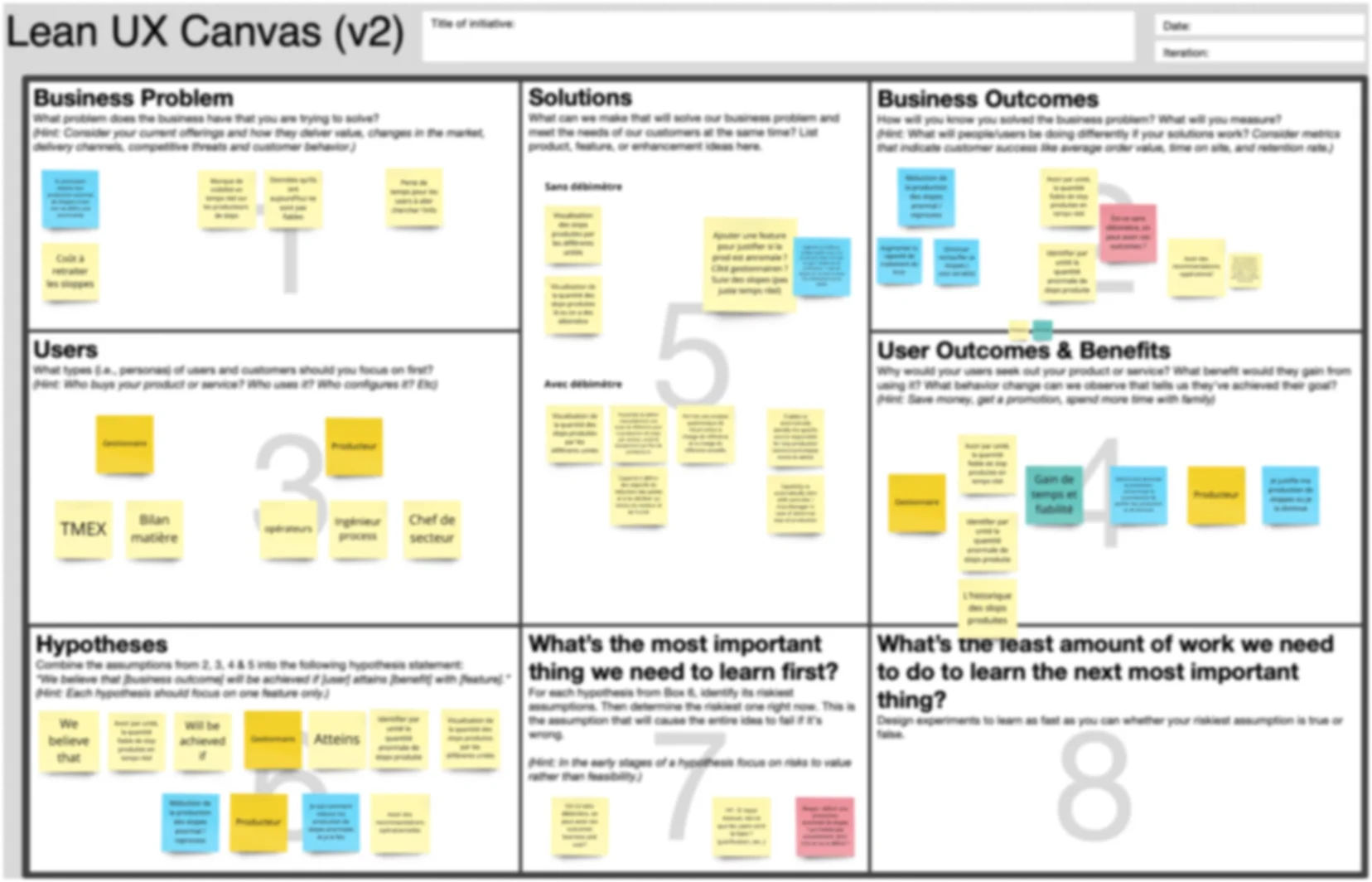
1. Mapped how the product impacts users and business with a Lean UX Canvas
I joined while the MVP was already in development. The roadmap was pushing new features and scale because the team was behind, and adoption wasn't following. Before adding anything, I ran a Lean UX Canvas workshop with the PO and PM to write down what the product was supposed to deliver: user outcomes (faster diagnosis, fewer manual connections) and business outcomes (less production lost, more incidents resolved remotely). That gave us something to test against.
2. Observed operators in the control room and found the product wasn't delivering its core value
I spent time in the control room, watching operators work and talking with them between incidents, then ran usability tests in production with 5 of the 9 operators. The question was simple: does the app deliver the outcomes from step 1?
The metric that mattered was time to resolve a ticket. As long as a ticket is open, the plant keeps losing production. The team was averaging 58 minutes per ticket against a target of 45, and every extra minute compounds across hundreds of tickets a day.
Operators had to leave the app for almost every diagnosis. 11 out of 15 diagnostics required connecting to the plant's automation system. The most frequent case: an inverter fault on a solar plant, where the operator can't tell from the app whether it's a lost connection or a real production loss, and has to log into the industrial network to find out.
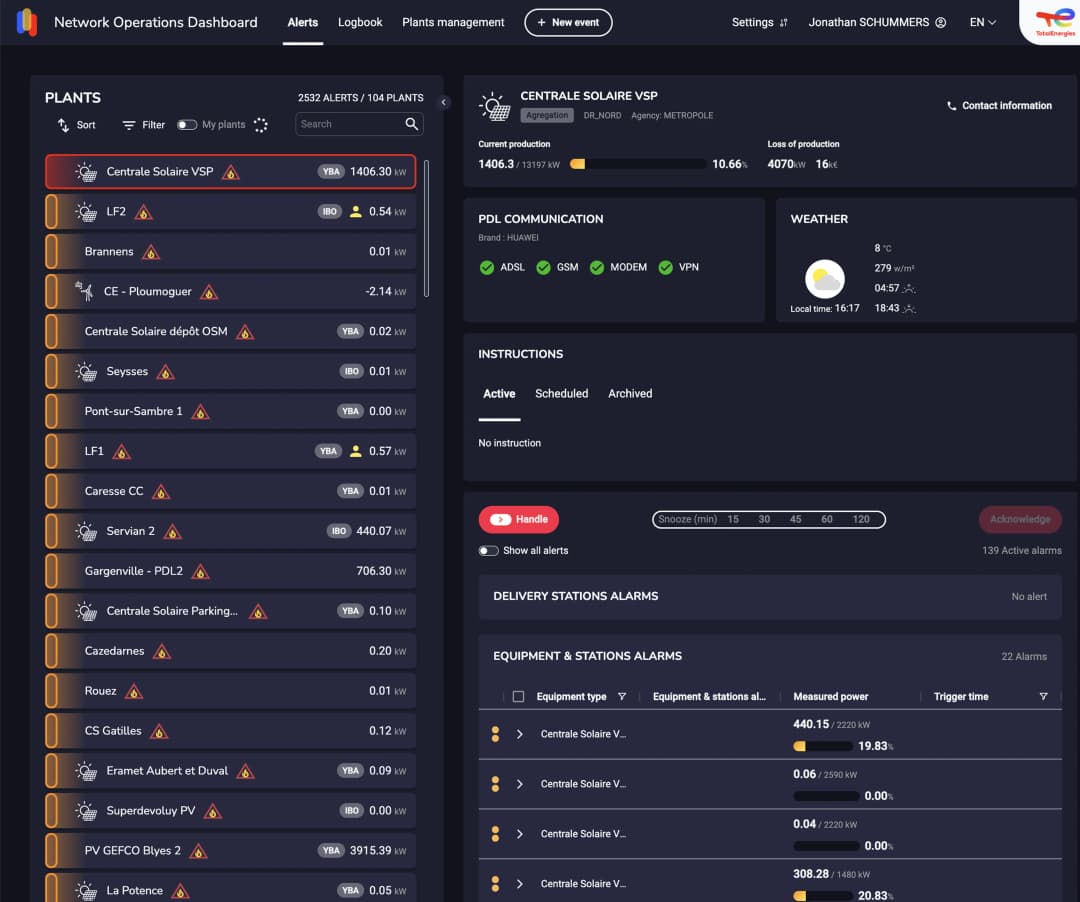
The app wasn't designed for how operators actually work. 4 out of 9 used 14-inch laptops, not the 40-inch monitors the app was designed for. Key information was below the fold, and scrolling was constant.
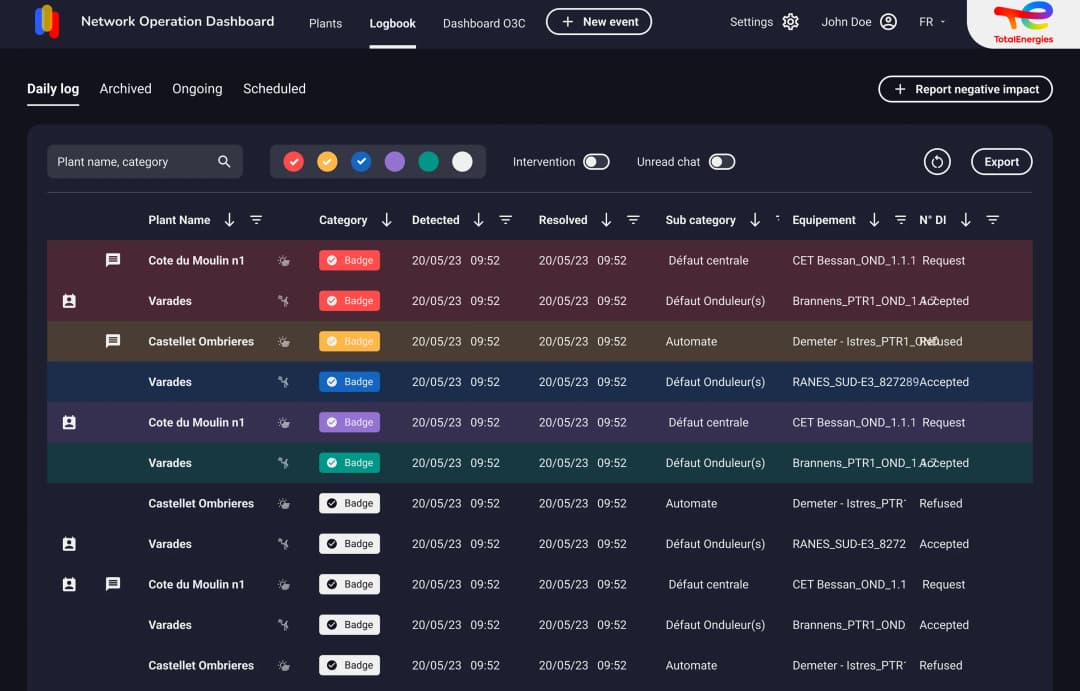
Two secondary findings shaped the redesign: 4 out of 5 operators ignored weather data because they couldn't correlate irradiance with power output, and all 5 opened the logbook separately to compare ongoing events with current alarms.
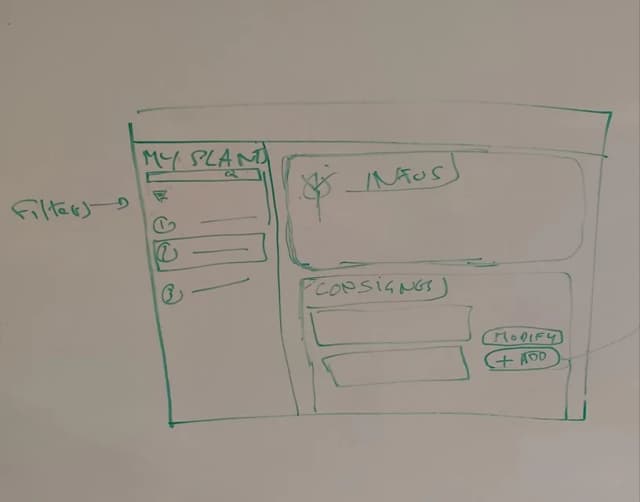
3. Ran a Design Studio workshop to align the team on how to bring plant data into the app
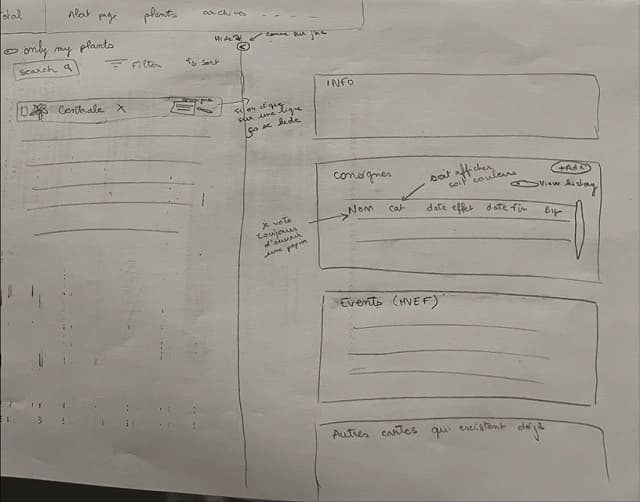
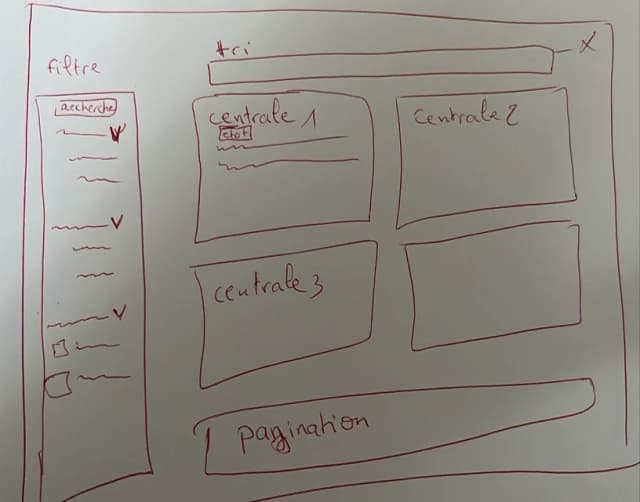
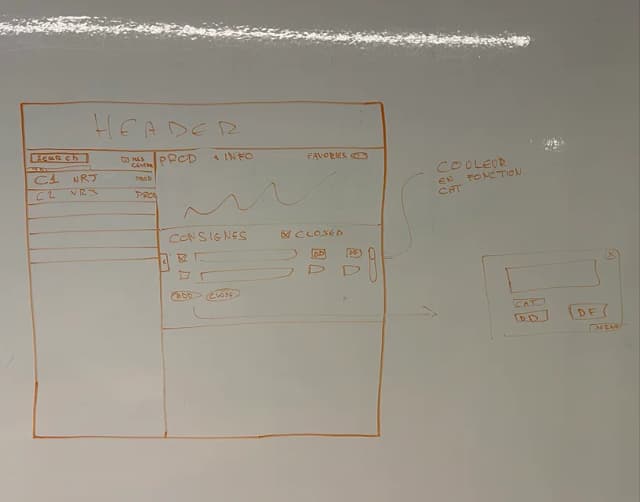
I facilitated a collaborative sketching workshop with the full squad. Beyond layout, the core question was technical: how to pull the inverter data from the industrial network into our own database so the diagnosis could happen in the alert card. Data engineers and developers sketched alongside me.
We converged on three directions:
- Bring the diagnostic data for the most frequent incidents into the alert cards, starting with inverter faults, so operators never need to leave the app
- Add weather/production correlation charts so operators can match irradiance and wind with power output directly
- Redesign the layout to be fully responsive from 14" laptops to 40" monitors
4. Tested how operators read the inverter data, and the new layout, on a first prototype
The first iteration focused on two things: how to display the inverter information so it's understood and interpreted correctly, and the new responsive layout. Key changes:
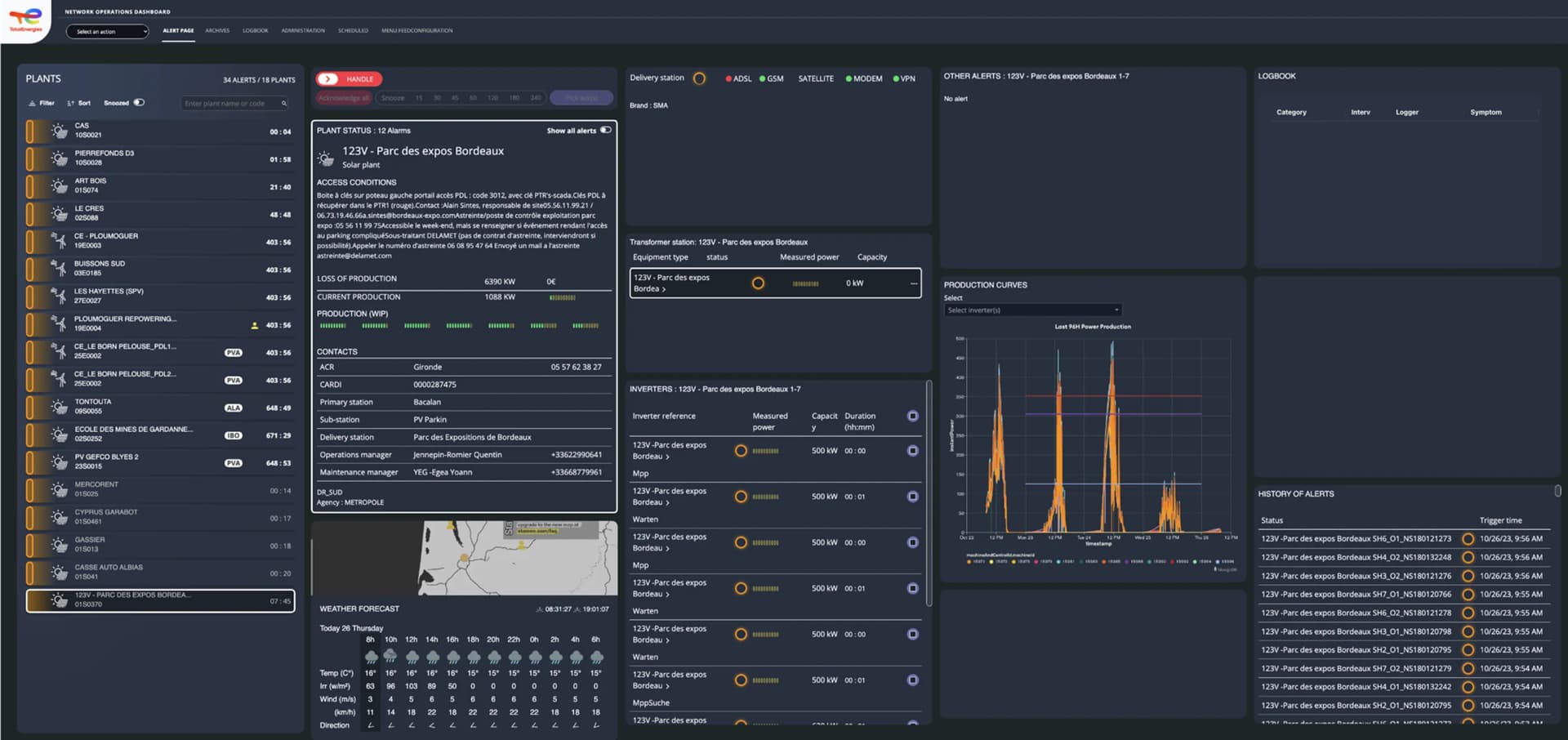
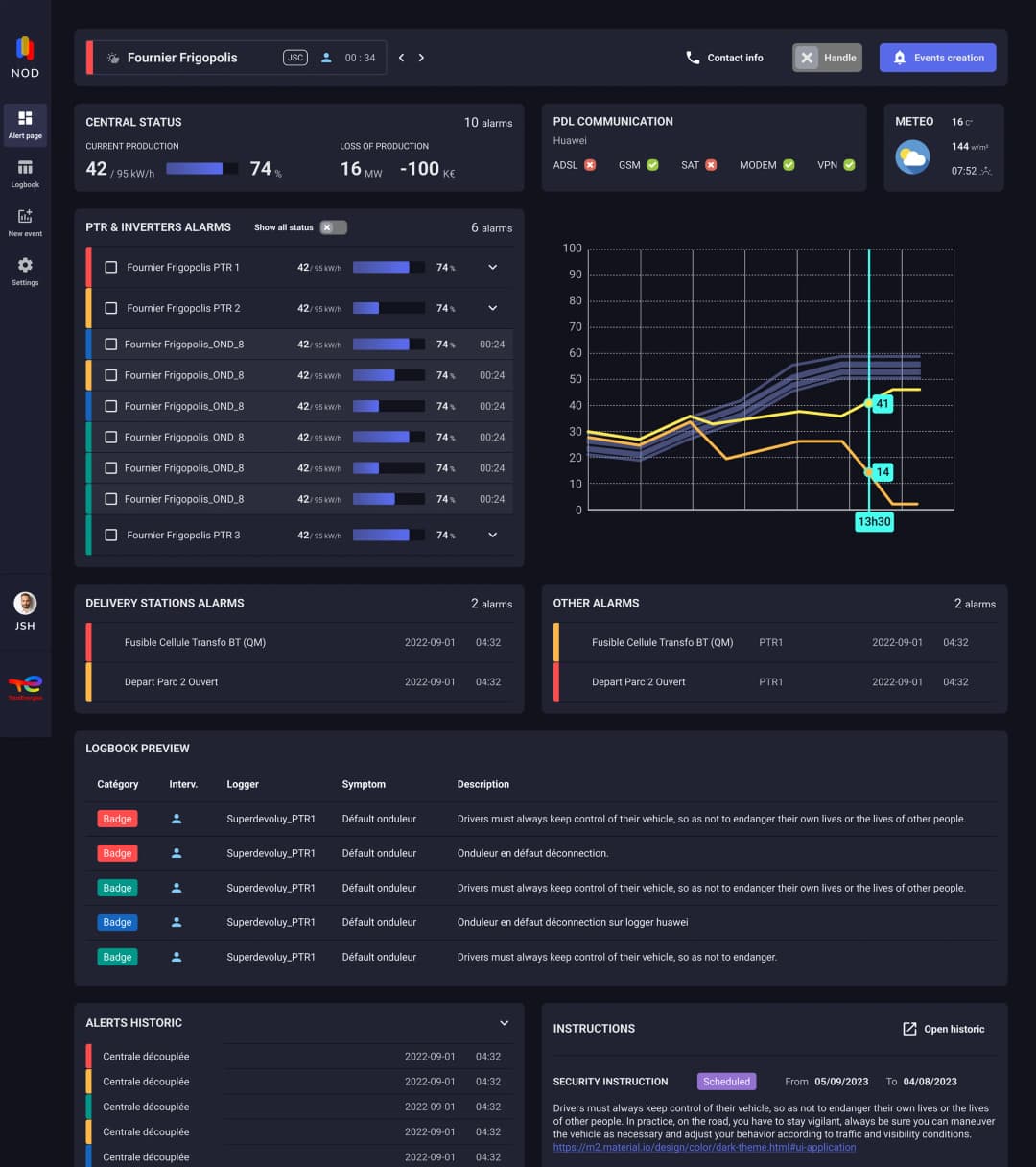
- Grouped equipment alarms with their parent PTR alarms (shutter system)
- Separated diagnosis and event creation into two distinct pages
- Added a two-column logbook preview to show ongoing tickets
User tests confirmed the inverter data was read correctly and the layout worked on 14". But the shutter system went unnoticed (0 users found it), and the logbook needed more space.
5. Shipped the second iteration to production and measured results
Based on test feedback, I iterated on the design:
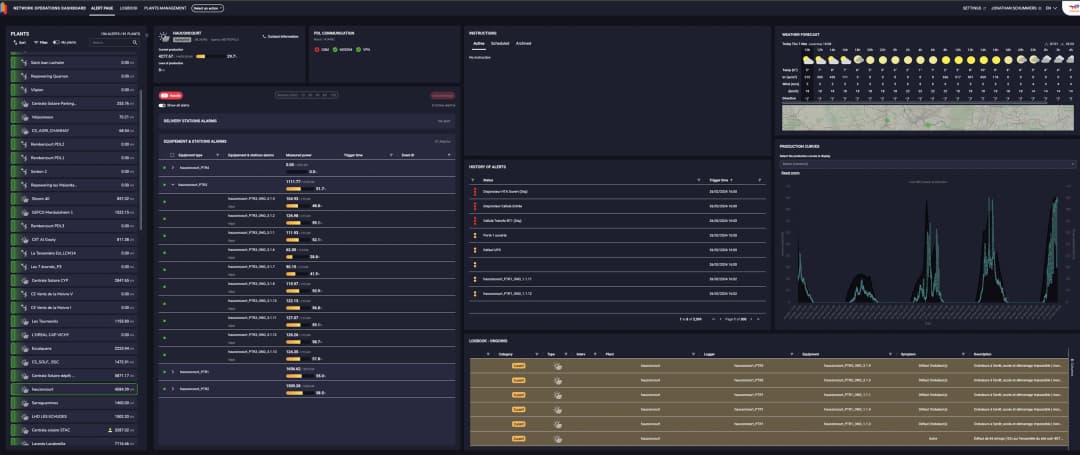
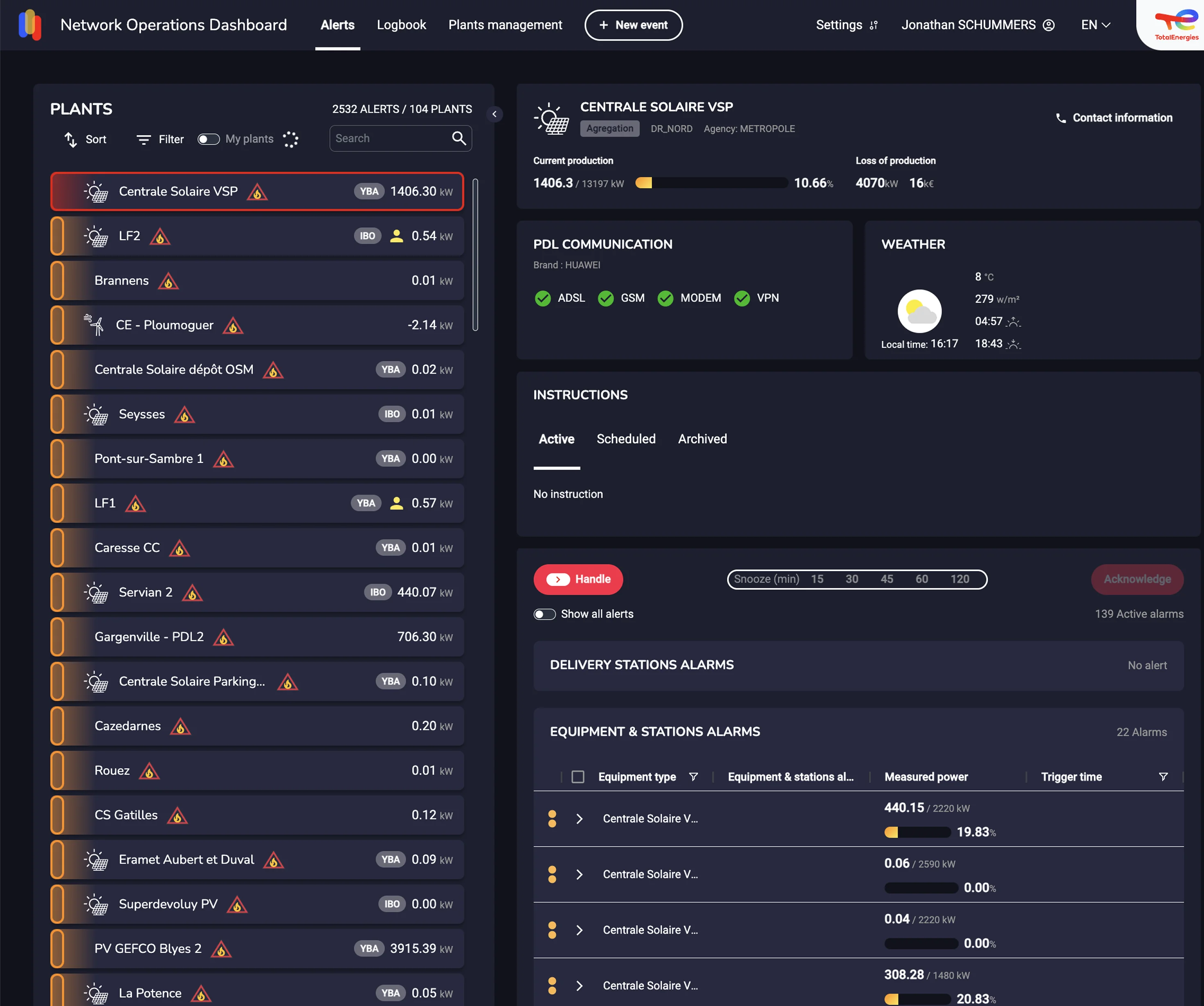
- Made the layout fully responsive with optimized views for both 14" and 40" screens
- Replaced the shutter with a simpler alarm card that groups all CTAs together
- Added a weather chart comparing irradiance/wind with production curves
- Increased font size automatically above 24" screen width
Once in production, we tracked resolution time per incident: average ticket time dropped from 58 to 49 minutes, against a target of 45. By our estimate from the observation sessions, around 60% of diagnostics could now be completed without leaving the app. 2 more operators switched to laptop screens by choice (6/9 total), users correctly attributed weather-related alarms for the first time, and follow-up testing with 4 users found zero usability issues.
What we delivered
A connected, responsive dashboard for in-app diagnosis, delivering +23% kWh per operator in 12 months.
- Fully responsive from 14" to 40": 6 of 9 operators switched to laptop as default monitor
- Connected to the industrial network for real-time plant data
- Diagnostic data for the most frequent incidents inline, reducing manual connections to plant systems
- Average ticket resolution time down from 58 to 49 minutes
- Weather/production correlation charts for root cause identification